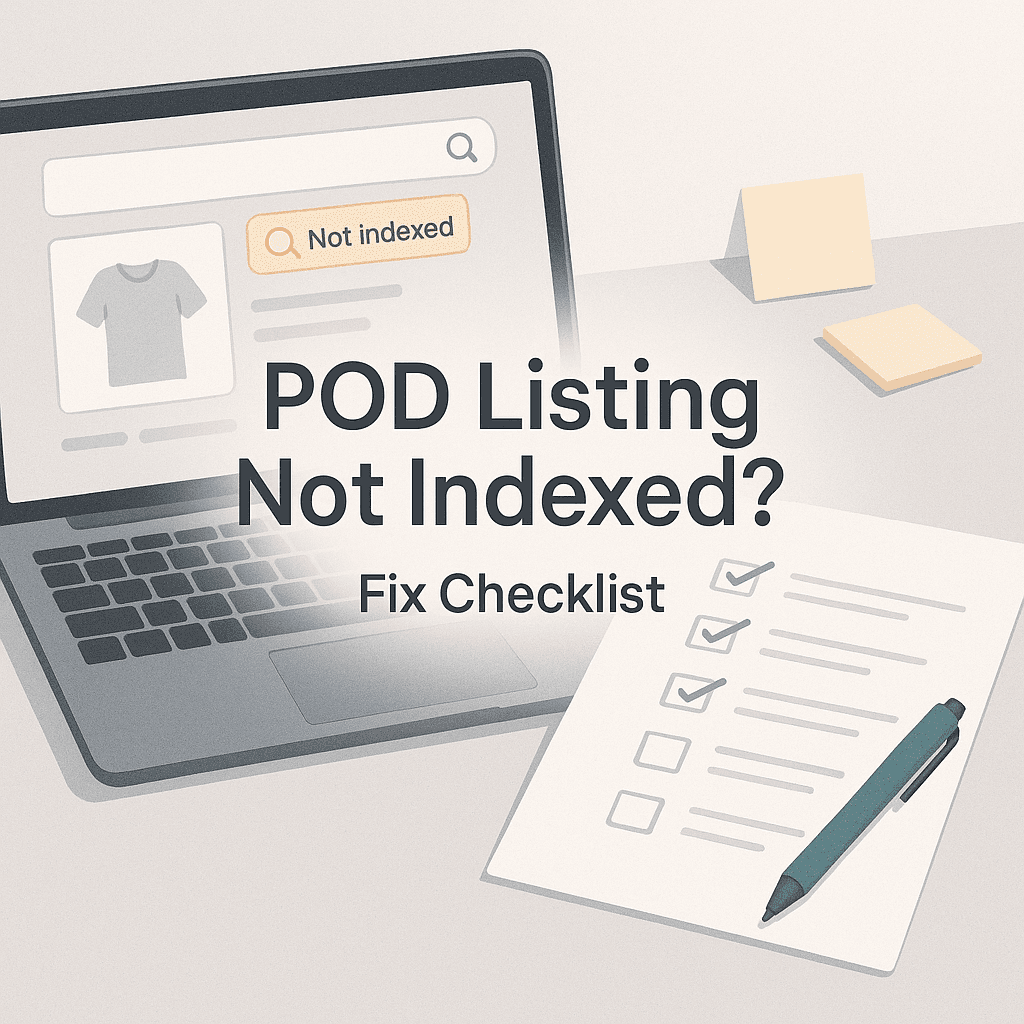
You publish a new POD listing and you do the responsible thing. You wait.
Then you search for it on Etsy. Nothing.
You try the exact title. Still nothing. You try a weird phrase you know you used in tags. Still nothing. Meanwhile other people’s stuff is everywhere.
So yeah. Let’s talk about what “not indexed” actually means, why it happens, and the fixes that usually work. I’m going to keep this practical and a little blunt, because most indexing problems are not mysterious. They’re just annoying.
First, what “indexed” means on Etsy (in normal person language)
Indexing basically means Etsy has processed your listing and decided it’s eligible to show up in search for at least some queries.
Not “ranking”. Not “page one”.
Just… included in the search database.
A listing can be:
- Live but not searchable yet (not fully indexed)
- Searchable but barely visible (indexed but low relevance or new listing boost is gone)
- Searchable for some keywords but not others (partial relevance, missing attributes, weak tag coverage)
This matters because people panic and start changing everything when the listing is actually indexed, it’s just not ranking. Different problem. Different solution.
Quick reality check. How long indexing can take
Etsy can index a new listing fast, or it can take a bit. It varies.
In a lot of cases you’ll see it show up in search within minutes to a few hours. Sometimes it’s 24 to 72 hours. Especially if you just published a batch of listings, or if Etsy is doing one of its periodic little “we’re updating systems” moments.
If it’s been more than 3 days, that’s when I start treating it as an actual problem and run the checklist below.
To avoid such issues, it’s essential to understand how search engines work and what factors influence their indexing process. For instance, Google’s guidelines provide valuable insights into optimizing your content for better visibility and indexing speed across various platforms, including Etsy.
The Fix Checklist (start here)
1. Is the listing actually active, not draft, not expired?
I know. Obvious. But it’s the #1 facepalm issue when you’re using any tool that pushes listings as drafts.
- In Etsy: go to Shop Manager → Listings
- Filter: Draft and Expired
- Make sure it’s Active
If you’re using an automation workflow that publishes as drafts (common and smart), make sure you actually hit publish.
If you’re using NinjaSell, it publishes to Etsy as drafts by design (one click, but still drafts). So you still need to finalize and publish in Etsy. That alone solves a surprising number of “not indexed” cases.
2. You changed the title/tags too many times, too quickly
Etsy reprocesses your listing when you make big edits. If you’re doing this loop:
Publish → search → panic → edit title → edit tags → edit description → search again…
You can keep pushing the indexing window back. Or at least keep confusing your own testing.
Fix:
- Stop editing for 12 to 24 hours
- Let Etsy settle
- Then check again
If you’re doing keyword refreshes, do them in batches and give them time.
3. The listing is missing required attributes (or they’re wrong)
For POD apparel, common ones:
- Primary color, secondary color
- Size range
- Occasion
- Holiday
- Fit
- Neckline (for some categories)
- Sleeve length
If you leave them blank, Etsy has less to work with. Sometimes you still index, but you can end up effectively invisible for lots of queries.
Fix:
- Fill every attribute Etsy offers that makes sense.
- Don’t lie to “stuff keywords” into attributes. It backfires.
4. Category mismatch (you listed it in the wrong product type)
This one causes “I can’t find it anywhere” feelings because Etsy will try to map your tags and title to the category you picked.
Example:
You made a “shirt for moms” but accidentally put it under something like “Digital Prints” or “Party Supplies”.
Fix:
- Edit listing → Category → pick the correct one
- Save
- Wait for re-indexing (give it time)
5. Your listing is blocked by policy or needs review (quietly)
Sometimes Etsy doesn’t hard-ban you. It just doesn’t fully surface the listing. This happens with:
- Trademarked phrases (Disney, NFL, Taylor Swift, etc)
- Infringing character names even if you “made it yourself”
- Medical claims
- Hate speech, slurs
- “Guaranteed results” type claims
- Certain adult terms
Fix:
- Remove any risky terms from title, tags, description, personalization fields
- Double check the design itself. Not just the text.
- If you need a fast trademark sanity check before you publish, use a tool that checks USPTO data. NinjaSell has a built in trademark check, which helps catch the obvious landmines before the listing ever goes up.

6. You used banned, irrelevant, or “garbage” tags
Etsy tags can’t be:
- repeating the same phrase 13 times
- stuffed with unrelated trending words
- packed with brand names you don’t own
Also, tags that are basically nonsense can cause low relevance.
Fix:
Use tags that match actual buyer intent. Use a mix of different tag types to cover all angles:
- core product: “graphic tee”, “unisex tshirt”
- audience: “teacher shirt”, “new dad gift”
- occasion: “first day of school”
- style: “minimalist shirt”, “retro typography”
- long tail: “funny science teacher shirt”
If you’re not sure what tags to use, this is exactly where automation platforms help, as long as they’re pulling from real Etsy trend and bestseller data, not generic keyword soup. (That’s the whole point of NinjaSell’s listing generator, by the way.)
7. Title is weirdly formatted or looks spammy
Etsy isn’t Google, but it still has quality filters. A title like:
SHIRT SHIRT SHIRT FUNNY SHIRT GIFT SHIRT BEST SHIRT 2026!!!
…is not doing you favors. It can still index, sure, but you’re increasing the chance of suppression or low quality scoring.
Fix:
- Make it readable.
- Front load the main keyword.
- Keep it human.
Example:
Good enough: “Funny Teacher Shirt, Retro Apple Graphic Tee, Back to School Gift, Unisex T Shirt”
8. Your photos violate rules or trigger a review
This is less common, but it happens. If your mockups look like you stole stock images, show watermarks, or include prohibited content, Etsy can slow-walk the listing.
Fix:
- Use clean mockups.
- Remove watermarks.
- Avoid mockups that show a brand logo (Nike swoosh in the background, etc.)
If mockups are a bottleneck, tools that generate Etsy style mockups consistently can keep you out of trouble and keep your shop looking cohesive. NinjaSell does this as part of the workflow.
9. Shipping profile or processing time issues
If you have shipping settings that don’t make sense, Etsy can treat the listing as lower quality. Again, sometimes it still indexes, but visibility can tank.
Things to check:
- Shipping profile is set
- Processing time is realistic
- Origin zip is correct
- You’re not promising worldwide shipping if you can’t fulfill it
Note: NinjaSell fulfillment is currently US only, so if your Etsy listing says “ships worldwide”, that’s a mismatch you need to fix.
10. You’re searching the wrong way (and Etsy search lies a little)
Etsy search is personalized and messy.
Try these when testing indexing:
- Search in Incognito (or private window)
- Log out of Etsy
- Search on Etsy.com and in the app (results differ)
- Search using a unique phrase from your title, not a broad term like “tshirt”
- Give it 24 hours after publishing before you judge anything
Also, make sure you’re not filtering results without realizing it. Etsy loves to remember filters.
11. Your shop is new or you’ve had recent policy hits
New shops sometimes get a little extra scrutiny. Shops with recent policy warnings also can see slower indexing or less visibility.
Fix:
- Keep listings clean.
- Don’t publish 200 borderline designs in a day.
- Build slowly, and avoid anything that feels even slightly infringing.
Not fun advice. But it’s real.
If you want to diagnose fast: Indexed vs Not Ranking
Here’s a quick way to separate the two.
Test A: Search your exact listing title in quotes
Example:
“Funny Teacher Shirt Retro Apple Graphic Tee”
If it shows up, you’re indexed. You’re just not ranking for broader keywords yet.
Test B: Search your shop name + one unique keyword
Example:
“NinjaTeacherCo retro apple tee”
If it shows up, indexed.
Test C: Use the listing URL
If the listing is live and accessible by URL, that does not guarantee indexing. But if it’s 404 or redirects, that’s a different issue.
The “I did everything and it’s still not indexed” section
If you ran the checklist and it’s been 72 hours and you’re still invisible, do this in order.
Step 1: Duplicate the listing (clean version) and publish the duplicate
This sounds dumb, but it works.
- Duplicate
- Change the title slightly (make it better, not spammy)
- Refresh tags
- Re upload photos if needed
- Publish
Sometimes the original listing is stuck in review or stuck in a processing queue. The duplicate goes through.
Step 2: Remove risky words temporarily
Even innocent words can trigger reviews depending on context. Try temporarily removing:
- “Disney”, “NFL”, “Swiftie” (obvious)
- “Covid”, “cancer”, “ADHD” (policy sensitive)
- “Guaranteed”, “cure”, “treat” (claims)
- Certain adult terms
Publish, wait 24 hours, then reintroduce carefully if it’s compliant.
Step 3: Contact Etsy support (and keep it simple)
Give them:
- listing ID
- the fact it’s active
- how long it’s been
- that you can access by URL but it’s not searchable
Keep the message boring. Boring gets answered faster.
Prevent this next time (a simple pre publish routine)
Before you publish any POD listing, do this quick pass:
- Correct category and attributes filled
- Title readable, not spam
- 13 tags, all relevant, no trademark terms
- Shipping profile correct
- Mockups clean, no logos, no watermarks
- Description does not include claims or risky brand names
If you’re scaling and doing a lot of listings, you want this to be mostly automated. That’s where a tool like NinjaSell is genuinely useful. It generates Etsy optimized titles, tags, descriptions based on bestseller and trend data, does trademark checks against USPTO, creates Etsy style mockups, and pushes listings to Etsy as drafts so you can do a final sanity check before going live.
Subtle plug, yeah. But it’s also just… the workflow you want if indexing issues are costing you days.

One last thing: indexing is not your sales problem (most of the time)
If your listing is indexed and you still aren’t getting views, it’s usually one of these instead:
- keyword mismatch (you’re targeting terms nobody buys)
- weak photos
- price not competitive
- niche too saturated
- low conversion history on a new shop
That’s a different checklist. Don’t “fix” indexing when the real issue is demand or conversion.
TLDR Fix Checklist
If your POD listing isn’t indexed, check:
- Listing is Active (not draft, not expired)
- Stop editing every 5 minutes. Wait 12 to 24 hours
- Correct category and filled attributes
- No trademark or policy risky terms (title, tags, description, design)
- Tags are relevant and not spammy
- Title is readable and not stuffed
- Mockups are clean and compliant
- Shipping profile and processing times make sense
- Test search in incognito with unique phrases
- If stuck past 72 hours: duplicate listing, simplify, republish
If you want to reduce these issues at scale, use a workflow that catches problems before you publish. That’s basically what NinjaSell is built for. You can check it out at: https://ninjasell.com
FAQs (Frequently Asked Questions)
What does it mean when my Etsy listing is “not indexed” and why can’t I find it in search?
“Not indexed” on Etsy means your listing hasn’t yet been processed and included in Etsy’s search database, so it won’t appear in search results. This can happen if the listing is new, inactive (draft or expired), missing required attributes, categorized incorrectly, or flagged for policy review.
How long does it typically take for Etsy to index a new listing?
Etsy can index new listings within minutes to a few hours, but sometimes it may take 24 to 72 hours, especially during system updates or if you publish many listings at once. If your listing isn’t indexed after more than 3 days, it’s advisable to troubleshoot the issue.
What are common reasons why my active Etsy listing might not appear in search results?
Common reasons include: the listing is still a draft or expired; you’ve made too many quick edits causing reprocessing delays; missing or incorrect required attributes; incorrect category selection; or the listing contains trademarked terms or violates Etsy policies leading to limited visibility.
How can I fix indexing issues related to my Etsy listing being stuck as a draft or expired?
Ensure your listing status is “Active” by going to Shop Manager → Listings and filtering out Draft and Expired items. If you’re using tools like NinjaSell that publish drafts by default, remember to finalize and publish the listings within Etsy itself.
Why should I avoid making frequent title and tag changes right after publishing my Etsy listing?
Frequent edits cause Etsy to reprocess your listing repeatedly, which can delay indexing. To avoid this, stop editing for 12 to 24 hours after publishing and allow Etsy’s system time to settle before checking your listing’s search visibility again.
How do required attributes and correct categorization affect my Etsy listing’s search indexing?
Attributes like color, size, occasion, fit, etc., help Etsy categorize and match your product with relevant searches. Missing or incorrect attributes reduce your visibility. Similarly, placing your item in the correct category ensures better search relevance. Filling out all appropriate attributes accurately and selecting the right category improves indexing and discoverability.