If you sell print on demand on Etsy, this is the part that feels weirdly high stakes for such a small form field.
“Production partners.”
You fill it out once, you think you did it right, and then three weeks later you see someone in a Facebook group saying their shop got suspended because their partner info was wrong. Or you notice your listings aren’t showing up in search the same way. Or you get a message from a buyer asking where it ships from and you realize your listing is… not exactly clear.
So let’s slow it down and set it up the right way.
Not “what people say works.” The actual Etsy compliant way, and also the practical way, so you can scale without constantly worrying that you missed something.
What Etsy means by “production partner” (in plain English)
Etsy is fine with you outsourcing parts of the production process, as long as:
- You designed it (or meaningfully customized it).
- You’re transparent that a third party helps make or fulfill it.
- You still run the shop and you’re still responsible for quality, shipping, customer service, refunds, etc.
A print on demand printer is a production partner because they’re physically producing the item and shipping it.
Even if the item is “your design,” the manufacturing is not happening in your house. Etsy wants that disclosed.
So yes, if you use a POD provider, you should set up a production partner.
The biggest mistake: trying to hide POD
A lot of sellers avoid adding production partners because they think it makes the product look less handmade.
But Etsy’s policy is pretty clear. If someone else is producing it, that’s a partner. If you omit that and Etsy flags you, it can turn into listing removals, reserve holds, or account trouble. Even if your designs are original.
Also, buyers aren’t dumb. If a mug shows up in a standard fulfillment box with a generic return label, they already know. You’re not “fooling” them. You’re just making your shop riskier.
Quick checklist before you touch the settings
Before we do the actual setup, get these things straight:
- What products you sell (shirts, mugs, posters, stickers, etc)
- Who prints them (your fulfillment provider)
- Where they print from (city, state, country, at minimum)
- What role you play (designing, customizing, branding, etc)
If you’re using NinjaSell as your POD backend, it helps here because your catalog and fulfillment are tied to a single system. You aren’t juggling three different printers and trying to remember which one does which SKU. Still, the Etsy production partner setup is on you. Etsy wants transparency no matter what tool you use.
Where to add production partners in Etsy (so you don’t hunt for it)
- Settings
- Production partners
That’s where you add them globally. Then you can apply them to listings.
Etsy sometimes changes UI labels slightly, but “Production partners” lives under Settings.
Step by step: adding an Etsy POD production partner (done clean)
1) Add partner name (keep it simple, real, and consistent)
Use the name of the printing/fulfillment company.
Examples:
- “NinjaSell”
- “Printful”
- “Printify”
- “Gooten”
- “Gelato”
Don’t get cute with it. No “My Awesome Print Team” unless that is literally the company name and it’s verifiable.
If you use NinjaSell, just use “NinjaSell” as the partner name for the platform handling printing/fulfillment.
2) Location (use the actual production location you expect orders to ship from)
This is where people get messy.
Etsy asks for a location because buyers care, and Etsy cares. If your fulfillment is US only (like NinjaSell’s current setup), set the partner location in the US.
If your provider has multiple facilities and routes orders dynamically, choose the location that’s most accurate for your fulfillment region, or the main one you are using. Don’t pick a random city. Don’t pick your own city unless you are physically producing.
If you genuinely cannot know the exact facility and the provider doesn’t disclose specific addresses, choose the most accurate general location you can, typically the provider’s stated fulfillment region.
3) “What is your relationship?” (this is the explanation field)
This matters more than people think. It’s not about being verbose. It’s about being truthful and specific.
A good template:
I create the original designs and this partner prints and ships the final product to customers.
That’s it. Clean. Honest. Exactly what Etsy wants.
If you do personalization, you can say:
I create the designs and prepare customer personalization details; this partner prints and ships the final product.
Avoid language like “manufactures my products” without mentioning your role. You want it clear you are the designer/creator, and they’re handling production.
4) “Which part do they help with?” (select accurately)
Etsy usually gives options like:
- Printing / production
- Shipping / fulfillment
- Other
For POD, it’s basically always production and shipping. Pick what applies.
Add images here: where the settings live, and what the form looks like
If you can, include screenshots from your actual Etsy dashboard (your account will look more real than stock images). Otherwise, placeholders work until you replace them.
Image suggestions to insert:
- Production partners menu path in Shop Manager
- Add production partner form fields
- Listing page where you attach the partner
md
(Replace these URLs with your actual uploaded images in WordPress.)
Attaching production partners to listings (this is where people forget)
Adding a production partner in settings doesn’t automatically apply it to listings.
You still need to attach the partner on each listing that uses POD.
In the listing editor, look for something like:
- “Production partners”
- “Made by”
- “Production”
Select your partner.
If you’re bulk editing a bunch of listings, use Etsy’s bulk edit tools. This is boring, but it’s a one time pain if you do it early.
Common setups (and what Etsy expects)
Scenario A: One POD provider for everything
Easy. One partner. Attach it to all POD listings.
Scenario B: Two POD providers (shirts from one, mugs from another)
Add both partners. Attach the correct one per listing.
Do not attach both partners to the same listing unless both are actually involved in producing that same item. Etsy wants clarity, not confusion.
Scenario C: You fulfill some things yourself and POD the rest
Only POD listings get a production partner. Your handmade, self shipped items do not.
Keep it clean.
What to write in “How you work together” (examples that won’t get you in trouble)
Here are a few copy and paste options.
Basic POD
I design the artwork and this production partner prints and ships the finished item.
Personalized products
I create the design and customer personalization; this production partner prints and ships the finished item.
You also do packaging inserts or branding
I create the designs and branding. This production partner prints and ships the item according to my specifications.
That’s the tone. No legal language. No fluff. Just factual.
Do production partners show to buyers?
Yes, Etsy can display production partner info in your listing area (often near the bottom, depending on layout and device). Buyers may see something like “Production partner: X.”
That’s not a bad thing.
In fact, it can reduce customer service messages because it sets expectations that this is made to order and shipped from a production facility, not from your living room.
FAQ: “Will adding a production partner hurt my conversion rate?”
Most of the time, no.
Your photos, mockups, reviews, delivery speed, and product quality matter more.
If anything, being transparent can help because:
- it reduces surprises
- it reduces “where is this shipping from” messages
- it makes you look like a real operation
The only sellers who get hurt by adding partners are the ones whose listings already feel shady or misleading. If you’re selling original designs, you’re fine.
Where people mess up (and how to avoid it)
Mistake 1: Using their own name as the production partner
Unless you are the manufacturer, don’t.
Etsy considers a production partner a separate entity helping with production. If you are not printing, don’t list yourself.
Mistake 2: Choosing the wrong country to “look better”
Don’t list “USA” if it’s actually printing in another country, and don’t list “Germany” because you heard buyers like it. If Etsy or a buyer digs in, it looks like you lied.
Mistake 3: Forgetting to update partners when switching providers
If you switch from one POD to another, update it. Especially for best sellers.
Mistake 4: Not matching your processing times to reality
Production partners don’t save you if your processing times are unrealistic.
If your POD typically ships in 2 to 5 business days, don’t set your processing to 1 day just because you want faster delivery estimates. Late shipments are one of the fastest ways to tank customer trust.
A note on mockups, listing SEO, and why setup ties into scaling
Here’s the thing. Once production partners are set, the real work becomes consistency.
Consistent listings. Consistent shipping expectations. Consistent product data.
This is where a tool like NinjaSell is honestly useful, because it’s built around Etsy workflows specifically. It generates Etsy style listings from trend and bestseller data, creates mockups, runs trademark checks, then lets you publish to Etsy as drafts. You still control what goes live, but you’re not stuck doing the repetitive parts for every new design.
And when you’re pushing volume, the “boring compliance stuff” matters more, not less. A clean production partner setup is part of that foundation.
If you want to check it out: https://ninjasell.com
Free to sign up, no subscription, you pay base costs and shipping when orders come in. (Currently US only fulfillment.)
Recommended production partner policy blurb (for your shop FAQ or description)
This is optional, but it helps reduce messages and misunderstandings.
You can add something like this in your Shop FAQ or listing descriptions:
Some items are made to order with the help of trusted production partners. I create the designs and oversee the product offerings. Orders are printed and shipped by my production partner to ensure consistent quality and fast delivery.
Simple, clear, not defensive.
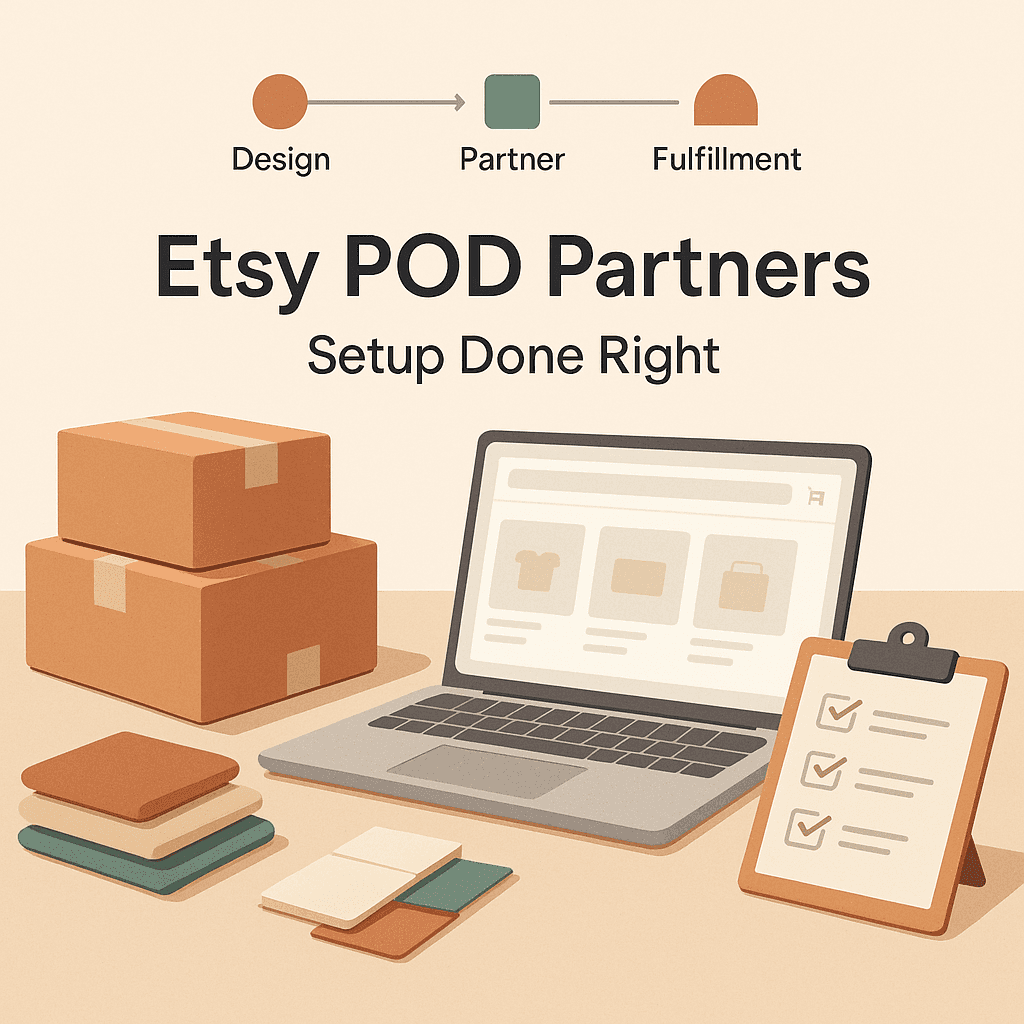
Quick “setup done right” summary
If you want the short version you can literally tick off:
- Add your POD provider as a production partner in Etsy settings
- Use real business name and accurate location
- Write one honest line about your role (designer) and their role (print and ship)
- Attach the correct partner to every POD listing
- Keep processing times aligned with actual fulfillment timelines
- Update partners if you change providers
That’s it.
Not glamorous. But it’s one of those things where doing it right once saves you months of stress later.
FAQs (Frequently Asked Questions)
What does Etsy mean by ‘production partner’ for print on demand sellers?
Etsy considers a production partner anyone who helps produce or fulfill your product, such as a print on demand printer. You must have designed or meaningfully customized the product, be transparent about third-party involvement, and still run the shop, handling quality, shipping, customer service, and refunds.
Why is it important to disclose production partners on Etsy?
Disclosing production partners is crucial because Etsy requires transparency when third parties help produce or fulfill orders. Omitting this information can lead to listing removals, account suspensions, reserve holds, and loss of buyer trust. Buyers also expect honesty and can often tell when products come from fulfillment providers.
What information do I need before setting up a production partner on Etsy?
Before setting up a production partner, you should know what products you sell (e.g., shirts, mugs), who prints them (your fulfillment provider), where they print from (city, state, country), and what role you play in the process (designing, customizing). Having this clear ensures accurate and compliant setup.
Where can I add production partners in my Etsy shop settings?
You can add production partners globally in Etsy Shop Manager by navigating to Settings > Production partners. From there, you can apply the production partner to individual listings. Note that Etsy’s interface may change slightly over time but ‘Production partners’ remains under Settings.
How do I correctly add a print on demand production partner on Etsy?
To add a POD production partner correctly: 1) Use the official company name (e.g., Printful, NinjaSell). 2) Enter the actual location where products are printed/shipped from (city, state, country). 3) Clearly describe your relationship—state that you design the items while the partner prints and ships them. 4) Select the correct roles they assist with—usually both ‘production’ and ‘shipping’.
Can I hide my print on demand provider to make my products appear more handmade?
No. Hiding your POD provider violates Etsy’s policies requiring transparency about third-party involvement in production or fulfillment. Attempting to conceal this can result in account issues like listing removals or suspensions. Buyers also recognize standard fulfillment packaging and expect honesty.