If you sell on Etsy, you have probably had this moment.
You find a design idea you know would sell. A cute niche. A funny line. A clean minimalist graphic. Something you can already picture on a shirt or a mug. And then… reality shows up.
Inventory. Upfront costs. Storage. Shipping. Returns. The “what if this doesn’t sell” anxiety.
Print on demand fixes a lot of that. Not perfectly, but enough that it has become one of the most common ways people start an Etsy shop in 2026 without drowning in boxes.
So let’s slow it down and explain what print on demand is for Etsy sellers, how it works end to end, what to watch out for, and how automation tools like NinjaSell fit into the picture.
Print on demand, in plain English
Print on demand (POD) means you sell a product that is only made after a customer buys it.
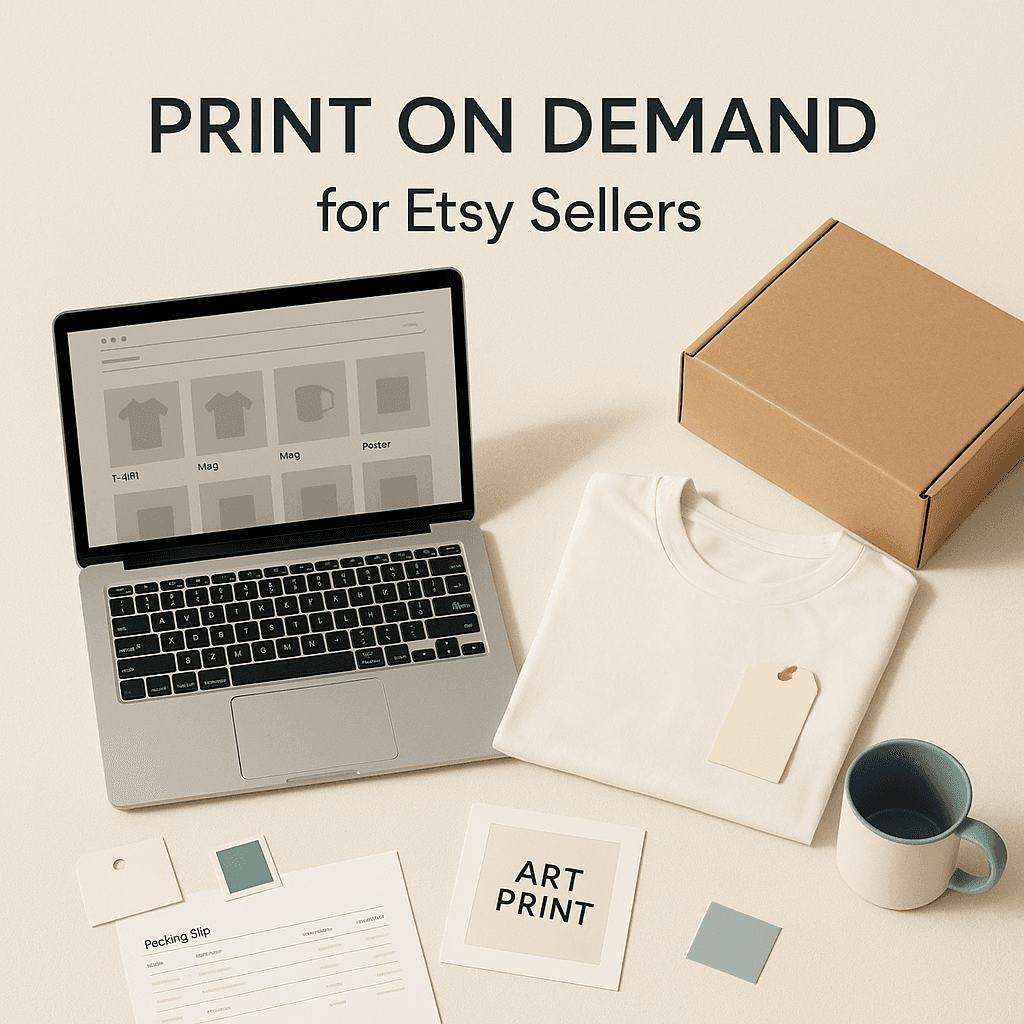
You create the design. You list the product on Etsy (like a t shirt, hoodie, tote bag, mug, poster, phone case). When someone orders, the POD provider prints your design on the item, packs it, and ships it directly to your customer.
You don’t pre buy inventory.
You don’t own printers.
You don’t ship anything yourself.
Your job is basically: design, listings, marketing, customer experience. The POD partner handles manufacturing and fulfillment.
And yes, you still run an Etsy store. You are still responsible for what the customer receives. POD does not mean “hands off” forever. It just means the physical operations are outsourced.
Why Etsy sellers use print on demand (and why it keeps growing)
A lot of Etsy sellers choose POD for three big reasons.
1. Low upfront cost You can start with a couple designs and publish listings today. No bulk orders, no garage storage, no packing tape lifestyle.
2. Huge product range One design can become 20 products. Shirt colors, sizes, mugs, sweatshirts, stickers, etc. You can test what sells without committing to inventory.
3. Easier scaling If a listing takes off, you don’t have to suddenly become a mini warehouse. Your POD provider can usually handle volume better than a solo seller.
There are downsides too (we’ll get to those), but the appeal is obvious.
How print on demand on Etsy works, step by step
Let’s walk through the full flow. Not the “dream” version. The actual flow most Etsy POD shops use.
Step 1: Pick a niche and product type
Before you upload anything, you pick what you are selling and who it is for.
Examples:
- Shirts for nurses, teachers, dog moms, gym people
- Wedding and bridesmaid gifts
- New baby announcements
- Pet portraits and custom items
- Home decor prints with quotes
Then pick your product types. Most POD beginners start with:
- Unisex t shirts
- Sweatshirts and hoodies
- Mugs
- Tote bags
- Posters and prints
Start narrower than you think. Etsy is not a “everything store” marketplace. Focus wins.
Step 2: Create designs (or personalize templates)
You can design using Canva, Photoshop, Illustrator, Procreate, or even text based designs done cleanly.
Two important things here:
- Your design file needs to meet print requirements. High resolution, correct dimensions, transparent background when needed, proper color profile if you’re getting picky.
- You need commercial rights to anything you use (fonts, graphics, clipart). Etsy is brutal when listings get reported. “I found it on Pinterest” is not a defense.
Also, POD does not mean you can slap random trending phrases on shirts. That’s where people hit trademark issues fast.
Step 3: Choose a print on demand provider
A POD provider is the company that prints and ships. They have blank products, printers, staff, warehouses.
What matters when choosing one:
- Print quality consistency
- Shipping speed and reliability
- Product costs and margins
- Available colors and sizes
- Return and reprint policies
- Integration options with Etsy
- Locations (US, EU, UK, etc)
Some sellers use one provider for everything. Others mix, like shirts with one provider and mugs with another. Mixing can work, but it increases complexity (different shipping profiles, different processing times, more customer questions).
Step 4: Create your Etsy listing
This is where a lot of POD shops fail, honestly. Because they treat listings like a formality.
On Etsy, the listing is the product.
You need:
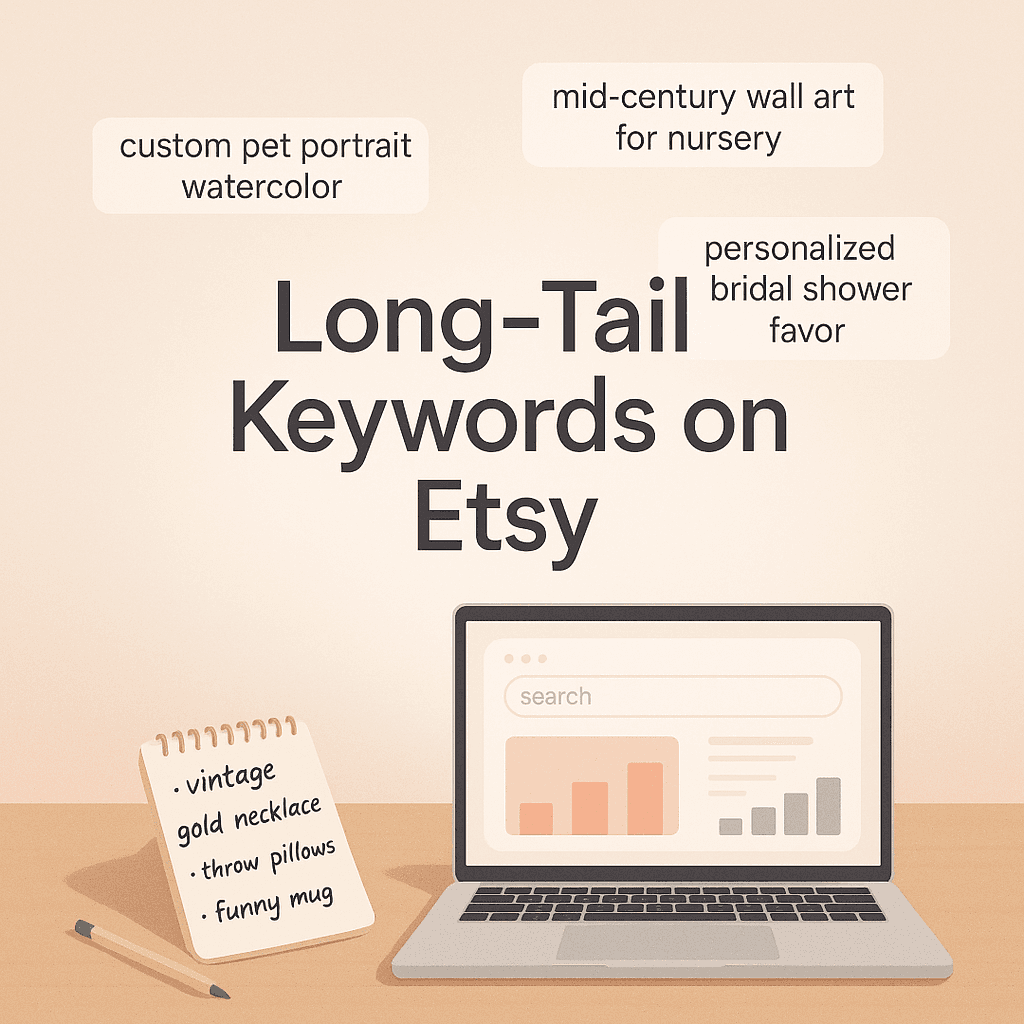
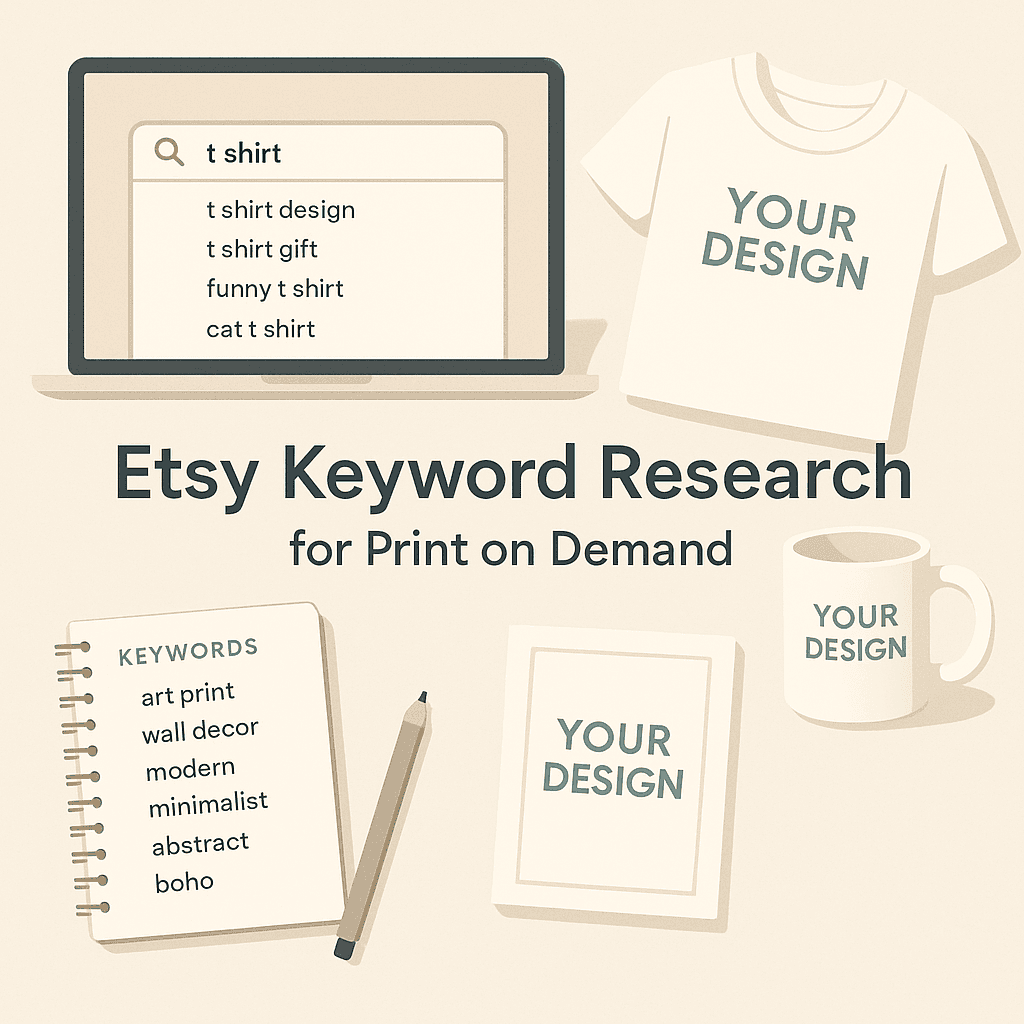
- A title that includes what people actually search
- Tags that match buyer intent
- Description that answers sizing, materials, processing time, and what the customer is buying
- Clear personalization instructions if applicable
- Correct shipping profile and processing time
- Variations (size, color, style)
- Great images and mockups
Mockups matter more than people want to admit. Etsy is visual first. If the main photo looks cheap, you lose clicks. If you lose clicks, you don’t rank.
Step 5: Customer places an order
When someone buys on Etsy, Etsy collects the payment and shows the order in your dashboard.
Now the fulfillment handoff happens. There are two ways:
Manual fulfillment You take the order details and submit it to your POD provider yourself.
Automated fulfillment Your Etsy store is connected to your POD system. Orders sync automatically, get routed to production, and ship without you re typing addresses.
Automation is where a lot of sellers save time. It also reduces mistakes, especially when you start getting multiple orders per day.
Step 6: The POD provider prints and ships (often white label)
The provider prints the item, packages it, and ships it to your buyer.
Most POD shipping is “white label” in the sense that the buyer does not see the POD company branding. Ideally, it looks like it shipped from your shop. Packaging slips may show your store name or a generic slip depending on the provider.
Tracking is created. Etsy gets updated (again, either manually or automatically). The customer gets a shipping notification.
Step 7: After sale support, reviews, and issues
This part is still on you.
If the item arrives late, damaged, misprinted, wrong size, wrong color… the customer messages your Etsy shop, not the printer.
Good POD sellers have a simple system:
- Respond fast
- Keep policies clear
- Know when to reprint vs refund
- Keep proof if the customer claims an issue (photos)
- Track quality problems by provider and product type
Your reviews matter. A lot. Etsy shops live and die by reviews and customer experience, even in POD.
Where NinjaSell fits in (and why automation is a big deal)
So now the big question: what do you do when you have designs ready, but you hate the listing grind?
Because listing creation is tedious. Titles, tags, mockups, variations, descriptions. And if you want to scale to 50, 100, 300 listings… it becomes a job.
This is where tools like NinjaSell come in.
NinjaSell is an AI print on demand company focused on Etsy sellers. The promise is pretty straightforward:
- You upload your designs
- NinjaSell automatically creates optimized Etsy listings
- It generates mockups
- And it fulfills POD orders with white label shipping
That is basically the whole POD workflow compressed into something that looks more like “design upload” than “build a listing from scratch every time.”
Now, reality check. Even with automation, you still want to review what goes live. AI can be really good at speeding up the boring stuff, but you are still the brand. You still choose niche, price, positioning, and the final product lineup.
But if you are the type of seller who can create designs consistently, and you get stuck on the operational side, automation can remove a lot of friction.
In practice, the biggest time savings usually come from:
- faster listing creation (titles, descriptions, tags, variations)
- mockup generation in consistent style
- order routing and fulfillment without manual steps
And that last one matters more than people think, because one wrong address copy paste during a busy week can cause a whole mess.
What you actually earn with Etsy print on demand (margins, pricing, fees)
Let’s talk money, because POD is not magical.
Your profit is roughly:
Selling price minus Etsy fees minus POD product cost minus shipping cost (if you offer “free shipping,” you’re paying it) minus ads (if you use Etsy Ads)
Etsy fees include things like:
- Listing fee (per listing)
- Transaction fee
- Payment processing fee
- Offsite ads fee (if you get a sale from offsite ads and you are opted in or forced in)
Then your POD provider charges you for:
- Base product + printing
- Shipping
- Sometimes packaging inserts or branding upgrades
A realistic beginner margin on apparel might be anywhere from a few dollars to low teens per sale depending on pricing and ad spend. Some shops do better with bundles, premium products, or personalization.
The key is not just “raise prices.” Etsy customers compare. You need better photos, better niche targeting, and better perceived value.
Pros and cons of POD for Etsy sellers (the honest version)
What’s great about it
- No inventory risk
- Easy to test new ideas
- Huge catalog options
- You can run the business from a laptop
- Scaling doesn’t require a warehouse
What can be rough
- Lower margins than handmade physical products
- Production and shipping times can be slower than Amazon expectations
- Quality can vary (different print batches, different facilities)
- Customer support is still your responsibility
- Competition is intense in generic niches
This is why niching down is not optional anymore. “Funny t shirts” is not a niche. “Funny hiking shirts for women” is closer. “Funny Appalachian Trail thru hiker shirts” is even closer. You get the idea.
Common POD mistakes on Etsy (and how to avoid them)
1. Generic listings If your title is vague and your photos look like everyone else, Etsy has no reason to rank you.
2. Ignoring processing times If your provider takes 3 to 7 business days and you promise 1 to 3, you are creating future angry messages. Be realistic.
3. Using copyrighted or trademarked content Sports teams, Disney, celebrity names, popular slogans. It’s not worth it.
4. Not ordering samples You should order your best sellers as samples. Know what you’re selling. Check print quality. Take your own photos if you can. Even one custom photo can lift conversion.
5. Pricing without doing the math People price based on what feels good, then realize they made $2 after ads. Run the numbers early.
So, is print on demand “worth it” for Etsy sellers?
Yes, if you treat it like a real business and not a lottery ticket.
POD works best when you have:
- a clear niche
- consistent design output
- strong listing and SEO fundamentals
- good mockups and product presentation
- a reliable fulfillment setup
- and ideally, some automation so you can scale without burning out
That is the main appeal of tools like NinjaSell in this space. If you can reduce the time spent building listings and pushing orders, you get more time for the stuff that actually grows the shop. Better designs. Better research. Better customer experience.
Wrap up (the simple version)
Print on demand for Etsy is selling custom designed products that get printed and shipped only after a customer buys. You create the designs and run the shop. A POD company handles production and fulfillment.
The workflow is: design, listing, sale, print, ship, support.
And if you want to speed up that workflow, especially the listing creation and fulfillment parts, an Etsy focused automation tool like NinjaSell can take a lot of the repetitive work off your plate. Upload designs, generate optimized listings and mockups, and fulfill with white label shipping.
Not effortless. But way more doable than keeping 200 shirts in your spare bedroom.
FAQs (Frequently Asked Questions)
What is print on demand (POD) and how does it work for Etsy sellers?
Print on demand (POD) means you sell products that are only made after a customer places an order. As an Etsy seller, you create the design and list products like t-shirts, mugs, or tote bags. When someone buys, the POD provider prints your design on the item, packs it, and ships it directly to your customer. You don’t hold inventory or handle shipping; your main tasks are designing, listing, marketing, and managing customer experience.
Why do many Etsy sellers choose print on demand for their shops?
Etsy sellers opt for print on demand mainly because of its low upfront cost—no bulk inventory or storage needed—its vast product range allowing one design to be used on many items, and easier scaling since POD providers handle large order volumes without requiring sellers to manage warehousing or shipping logistics.
How do I start a successful print on demand Etsy shop step by step?
Start by picking a focused niche and product types (like shirts for nurses or mugs with quotes). Next, create high-quality designs with commercial rights. Then choose a reliable POD provider based on print quality, shipping speed, costs, and integration options. After that, craft optimized Etsy listings with clear titles, tags, descriptions, personalization instructions, and great mockups. When orders come in, either manually or automatically fulfill through your POD partner who prints and ships the items under your brand.
What should I consider when choosing a print on demand provider for my Etsy store?
Key factors include consistent print quality, fast and reliable shipping times, competitive product costs to maintain good margins, available colors and sizes to offer variety, clear return and reprint policies, seamless integration with Etsy for order automation, and provider location (US, EU, UK) to optimize delivery speed.
How important are Etsy listings in a POD business and what makes them effective?
Etsy listings are critical because they represent your product directly to buyers. Effective listings have search-optimized titles and tags matching buyer intent; detailed descriptions covering sizing, materials, processing time; clear personalization instructions; accurate shipping profiles; product variations; plus high-quality images and mockups. Great visuals especially impact click-through rates and ranking in Etsy search.
Can I automate order fulfillment in print on demand on Etsy?
Yes! You can connect your Etsy store directly to your POD provider so orders sync automatically without manual entry. This automation saves time and reduces errors as orders get routed directly to production and shipped promptly. Automated fulfillment is especially valuable when handling multiple daily orders in a growing POD shop.